
Pink Beds Loop Trail

At A Glance


5 mi one-way
Difficulty Rating: 5 
Steepness: Few Hills
Tread Condition: Some Obstacles
Blaze Color: Orange
Trail Number: 118
Hikes That Use This Trail: Pink Beds Loop
Description
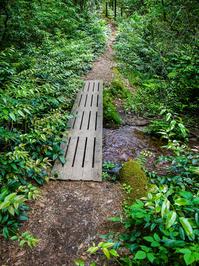
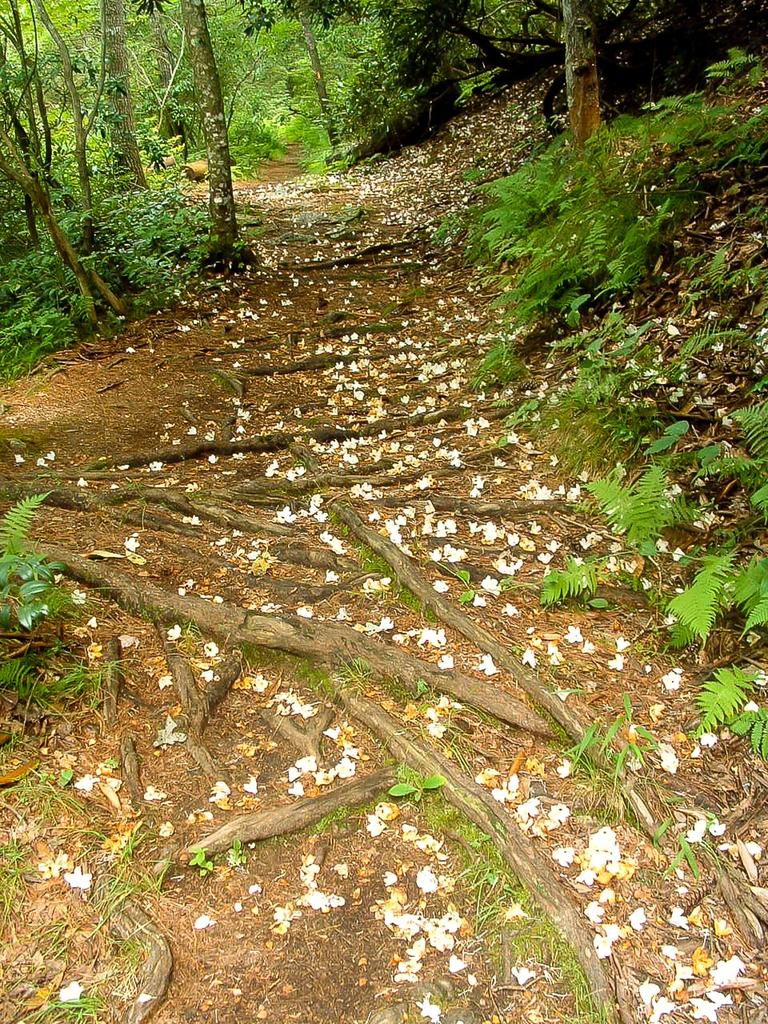
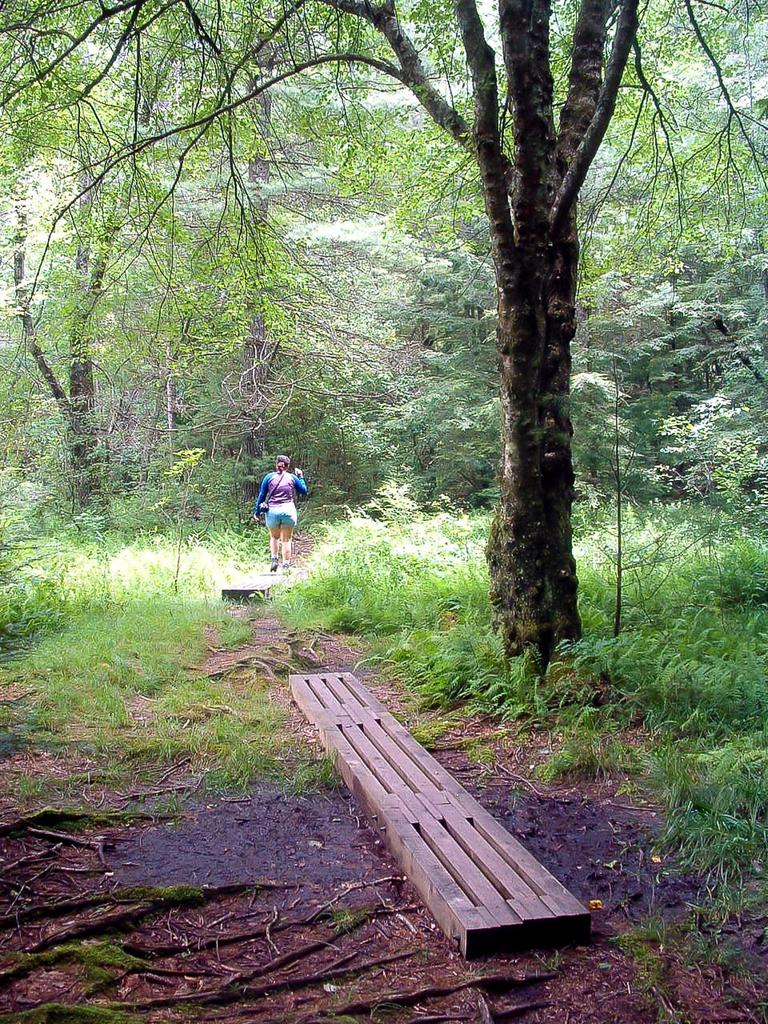
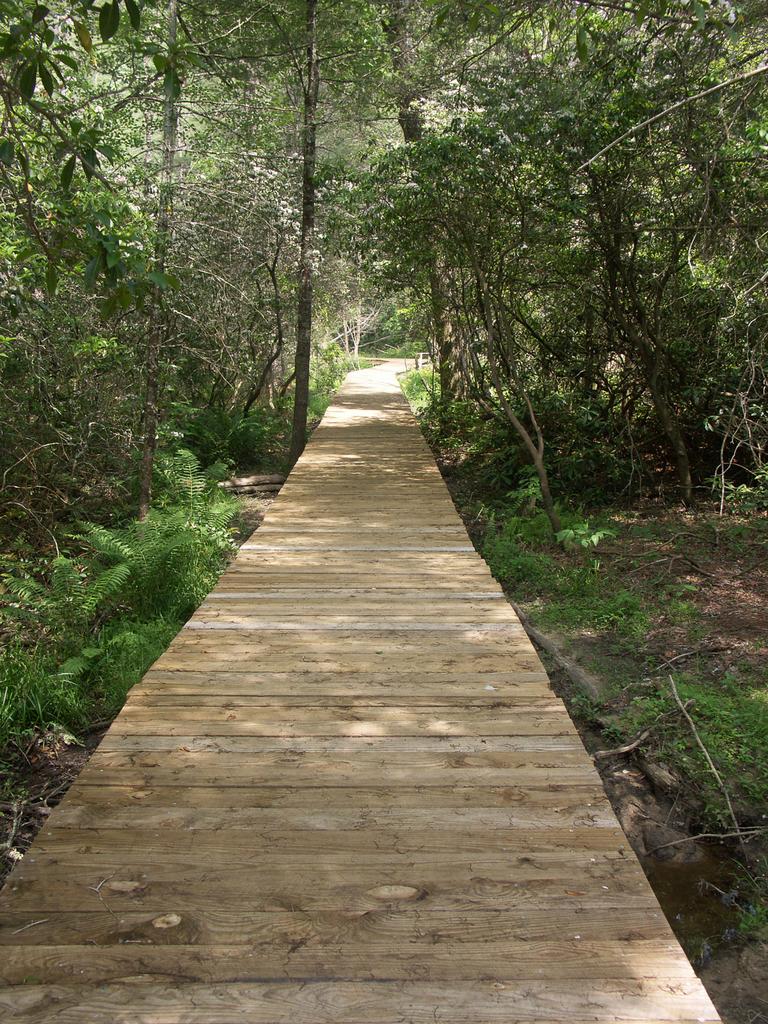
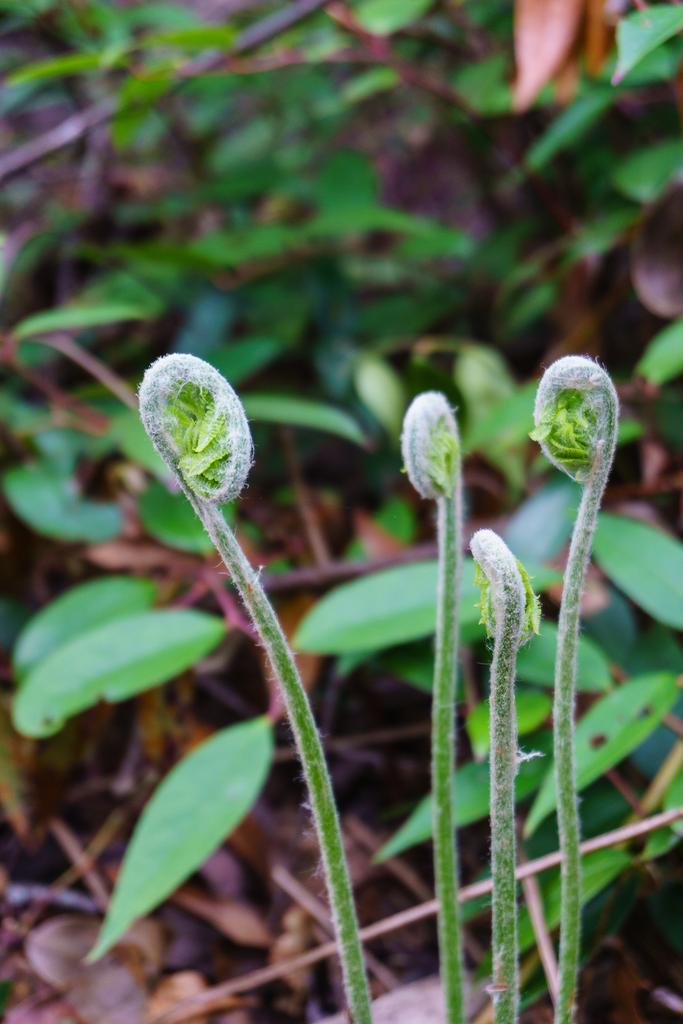
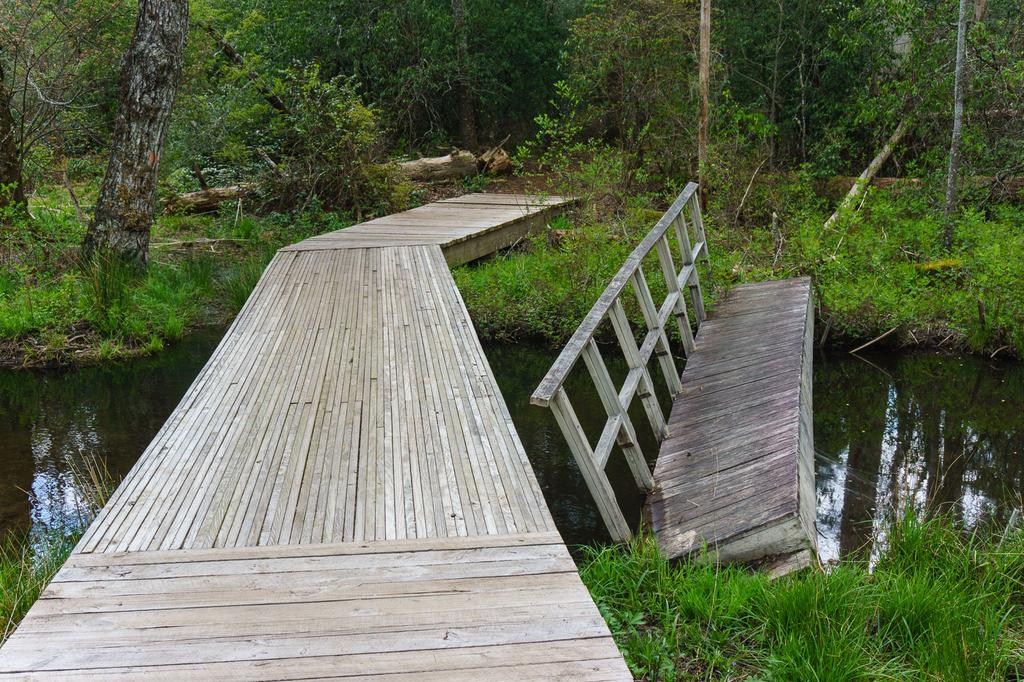
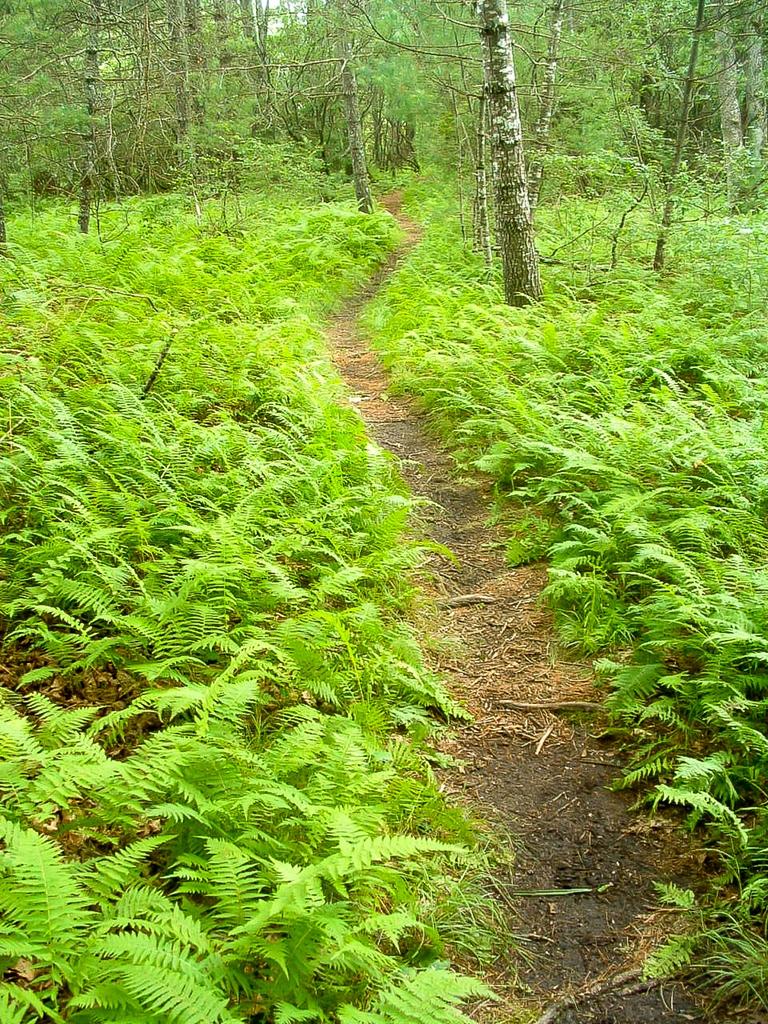
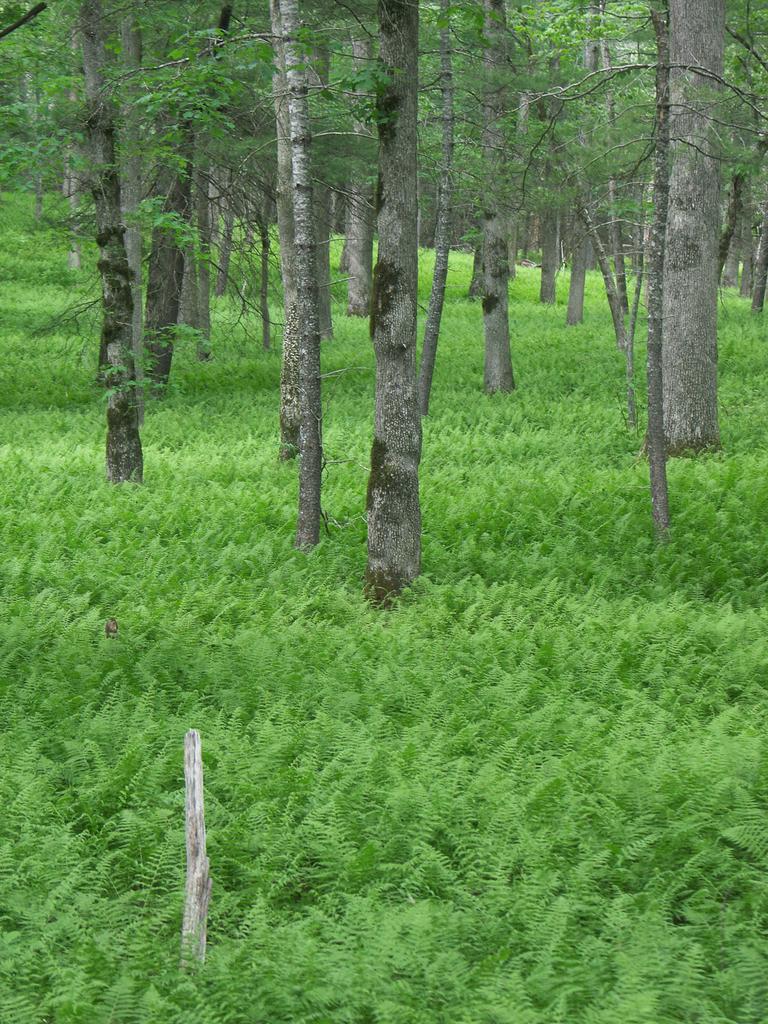
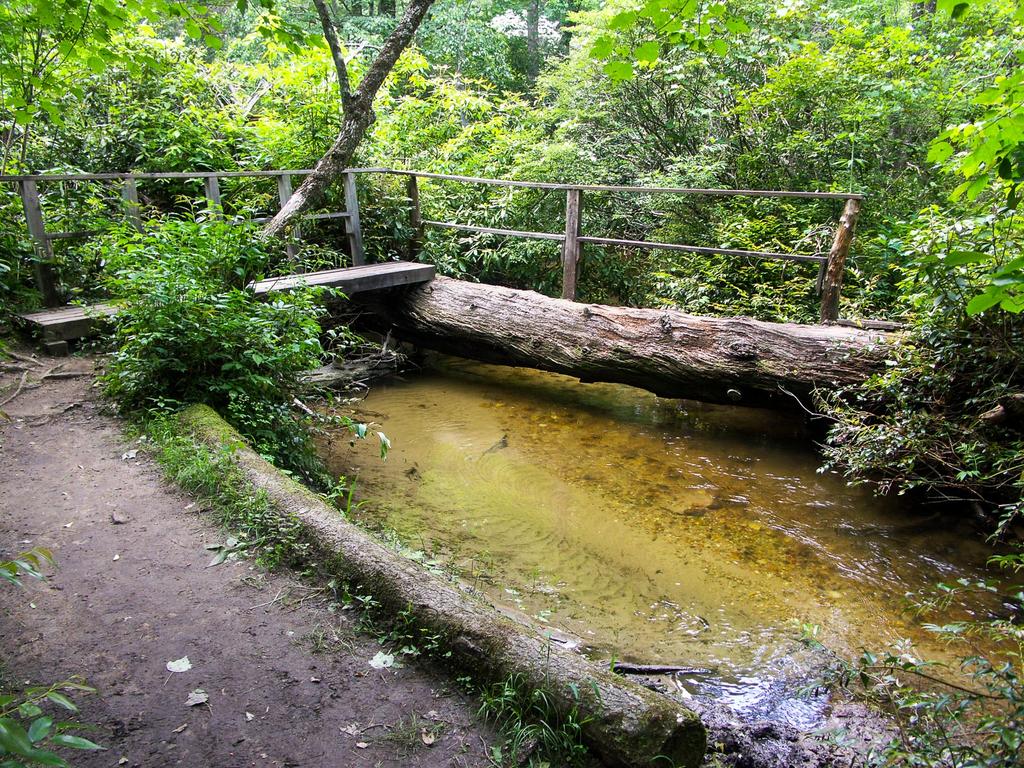
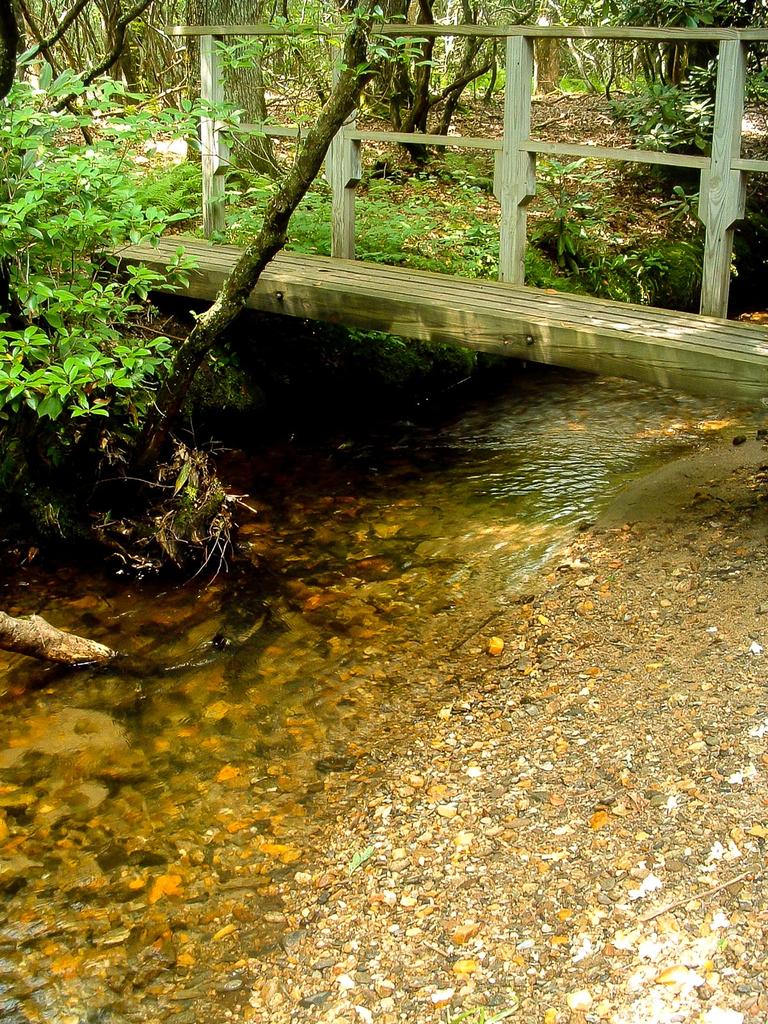
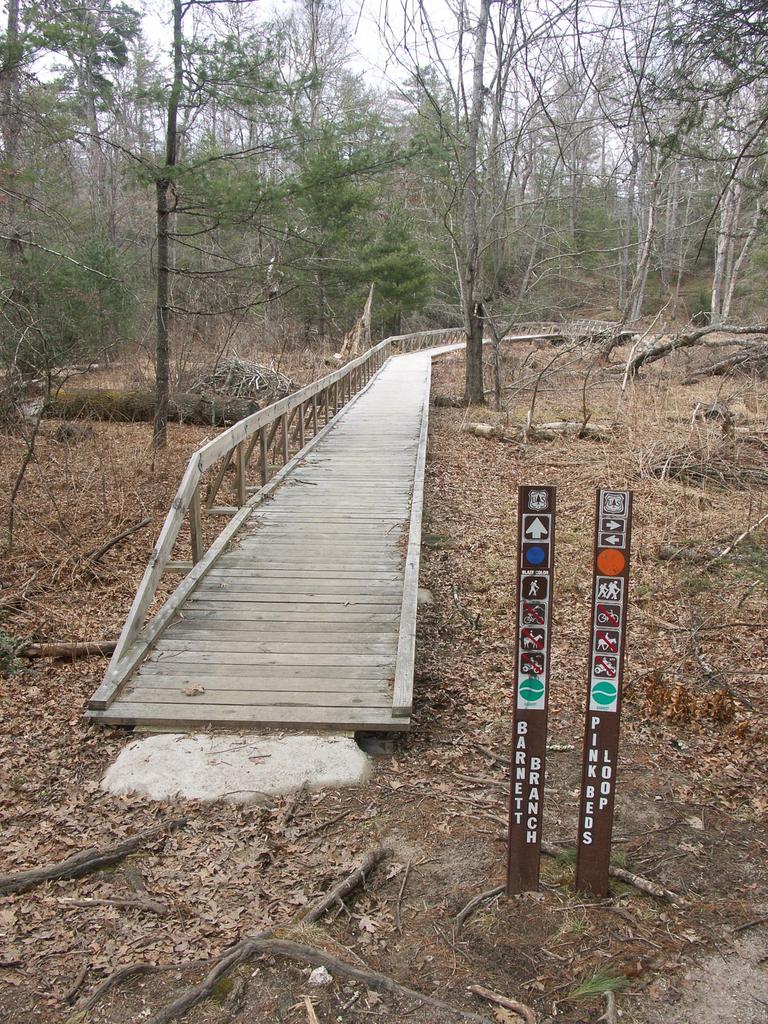
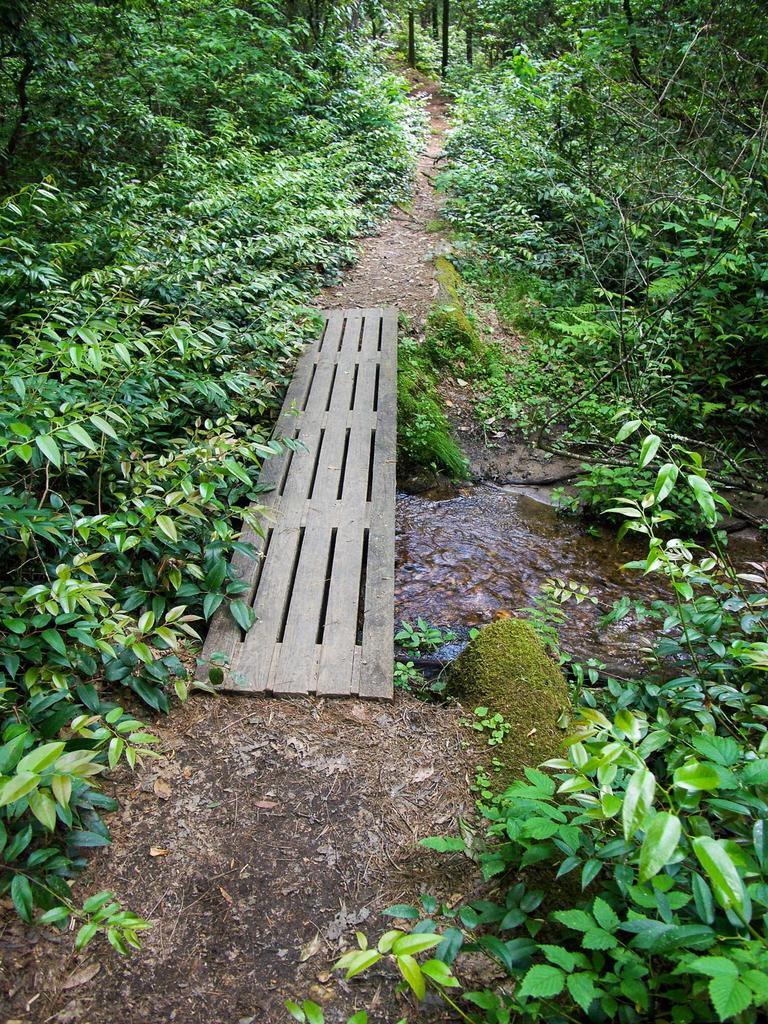
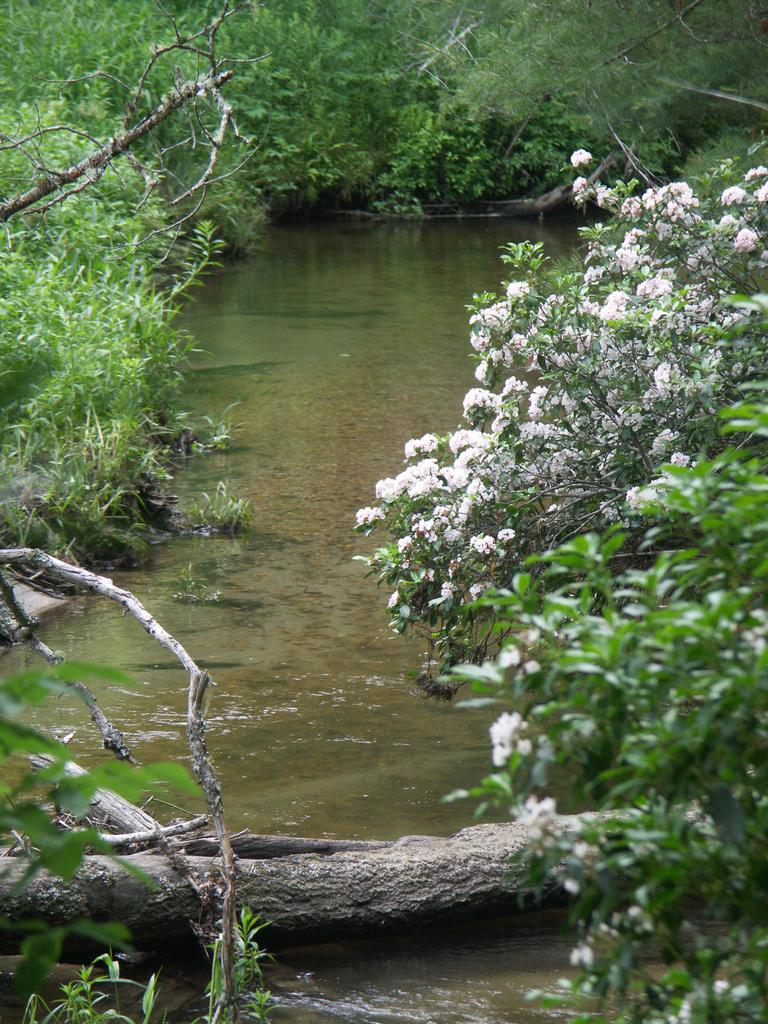
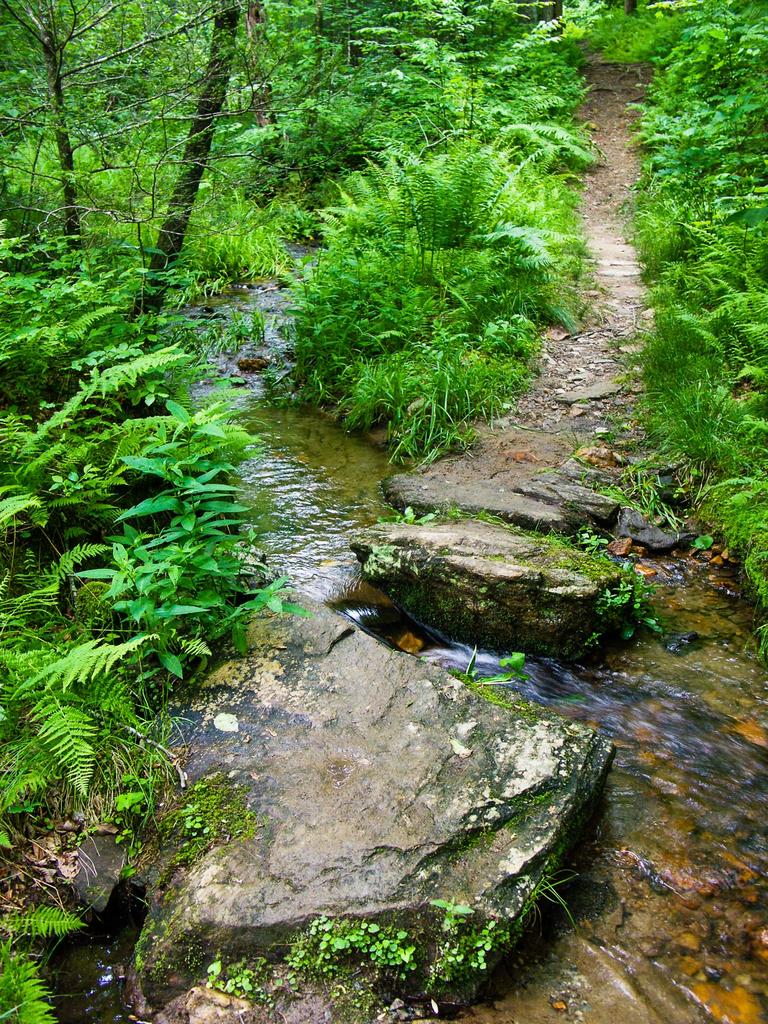
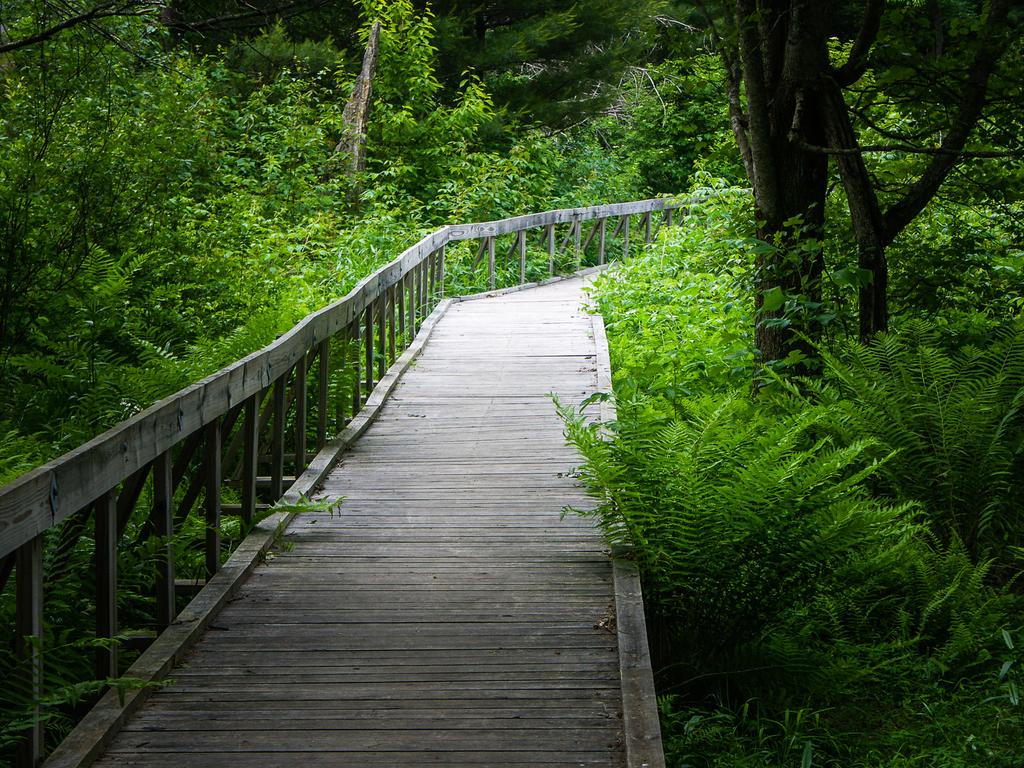
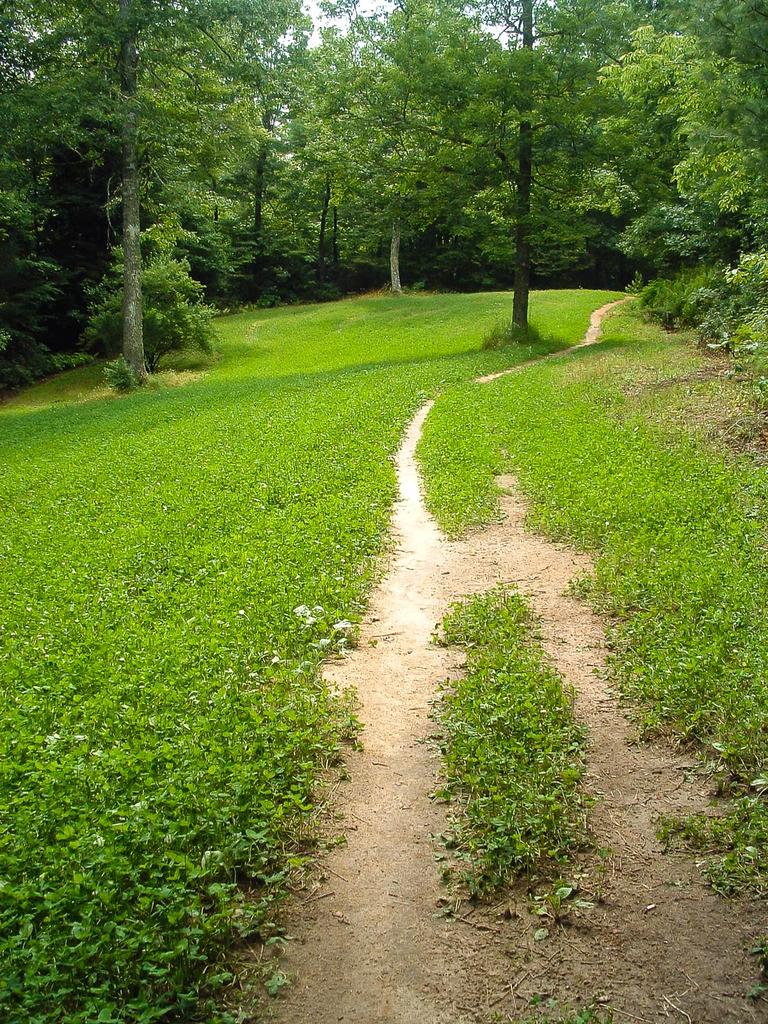
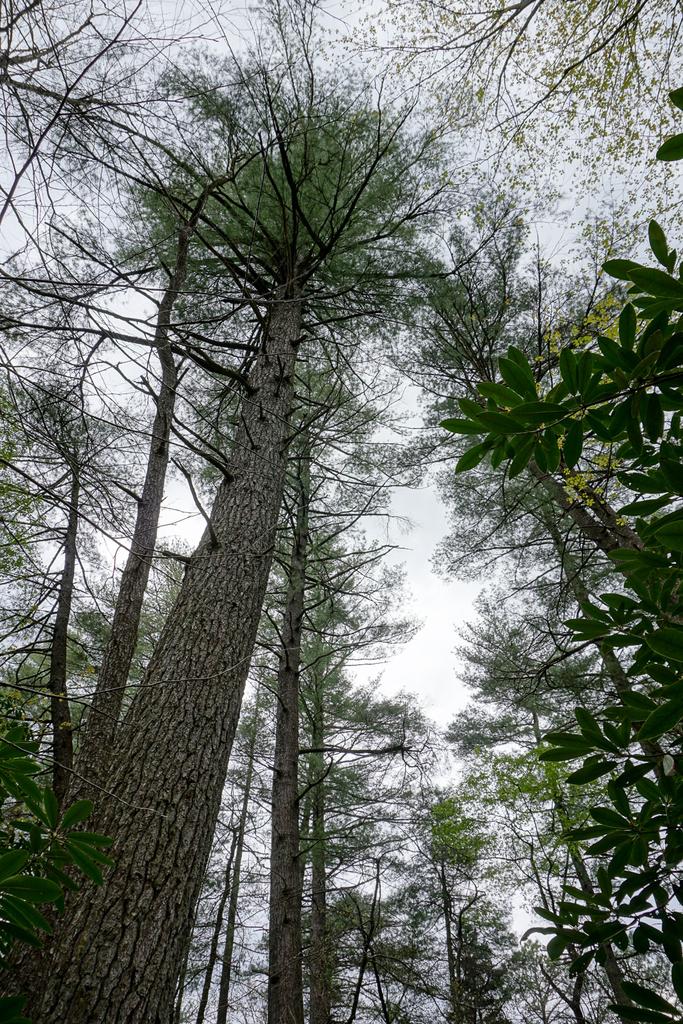
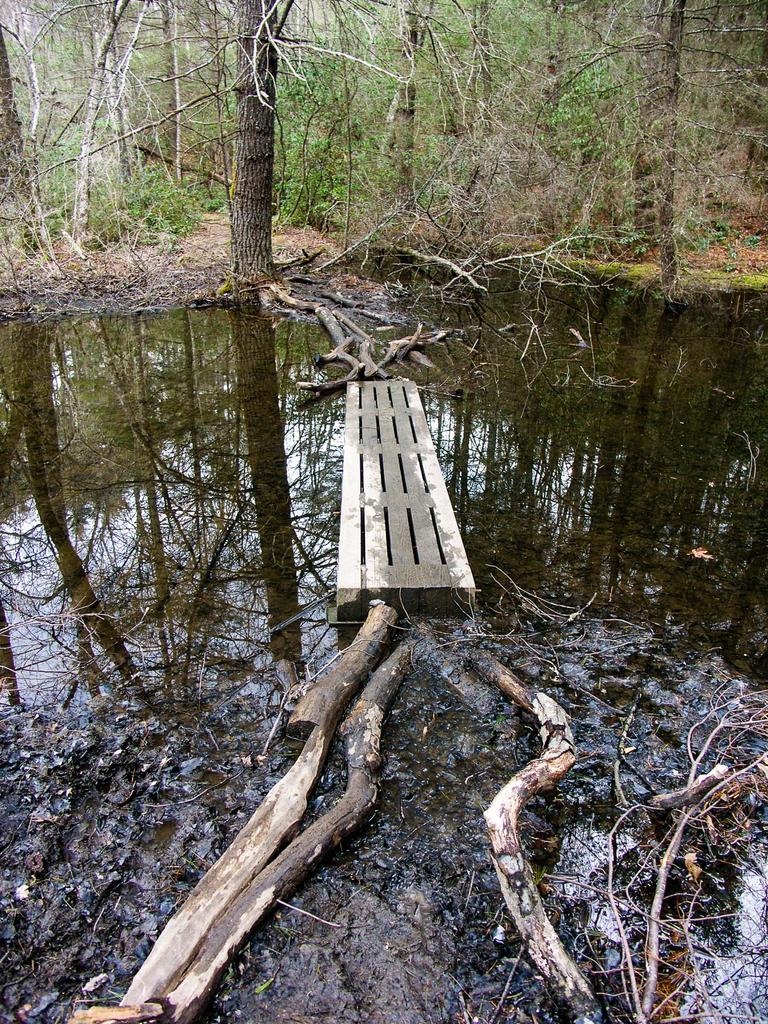
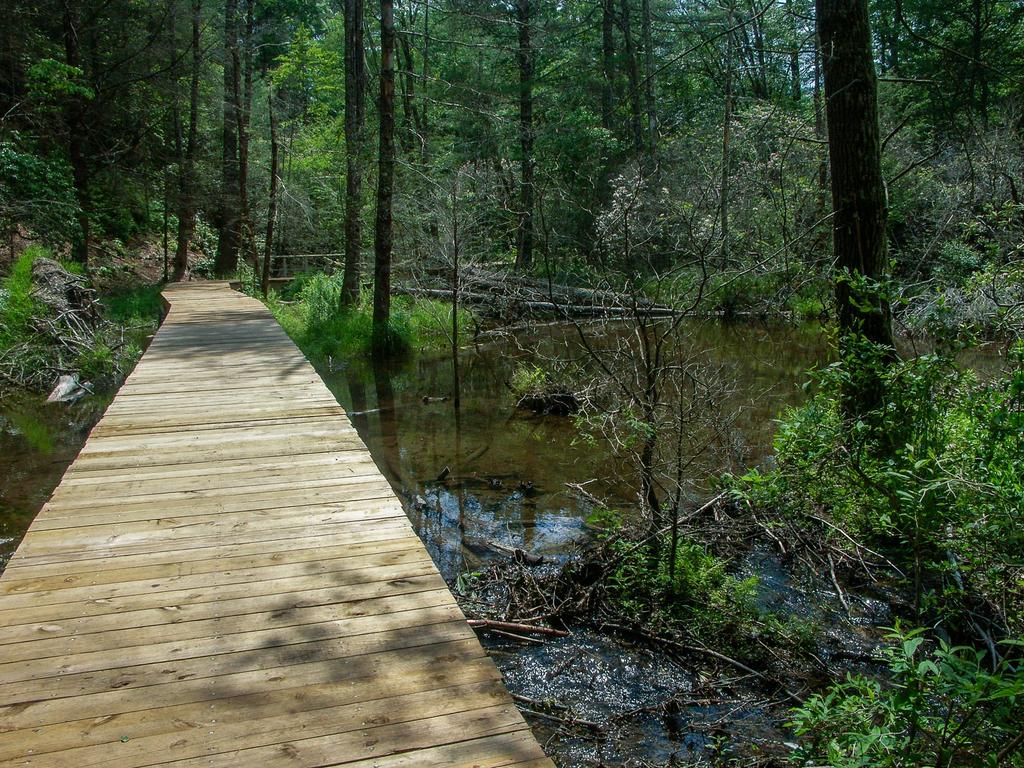
An excellent loop which travels around the bottom of a unique valley. This is the "Cradle of Forestry in America", where modern forestry techniques were first developed, taught & practiced. Trail is mostly level with a few small hills on north side of loop. Many bridged stream crossings & boardwalks over boggy areas on south side of loop. Mixed forest; lots of very large White Pines & (dying) Hemlocks. Rest of forest is oaks & cove hardwoods. Unique beaver dams near outer portion of loop; trail was previously flooded by them but boardwalks and a bypass were completed in early 2013 so you can hike the whole loop and stay dry. Dying forest in this area due to flooding; interesting transition. Very large fern gardens & open woods near outer end of loop. Rhododendron & Mtn. Laurel tunnels on N. Side. Near parking area, pass through wildlife fields. Mountains to Sea Trail cuts across center of loop, for possible shorter loop.
Intersecting Trails
This trail is located in the Davidson River area. For a list of all the trails in that area, see the Davidson River trails list page.
This trail also crosses into these trailhead areas:
All Photos from the Trail





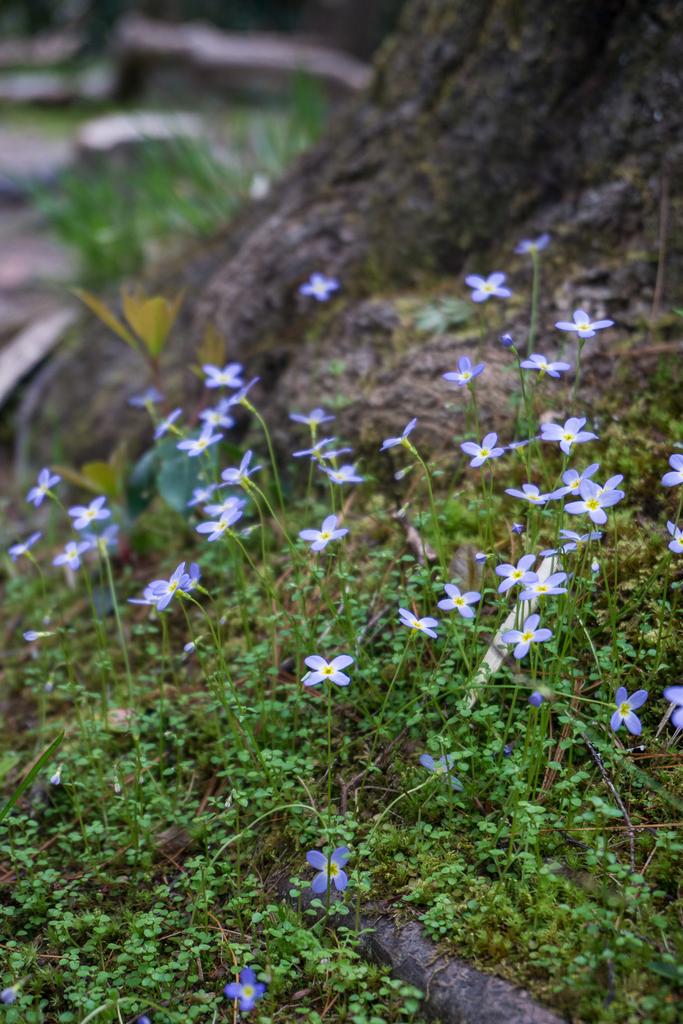
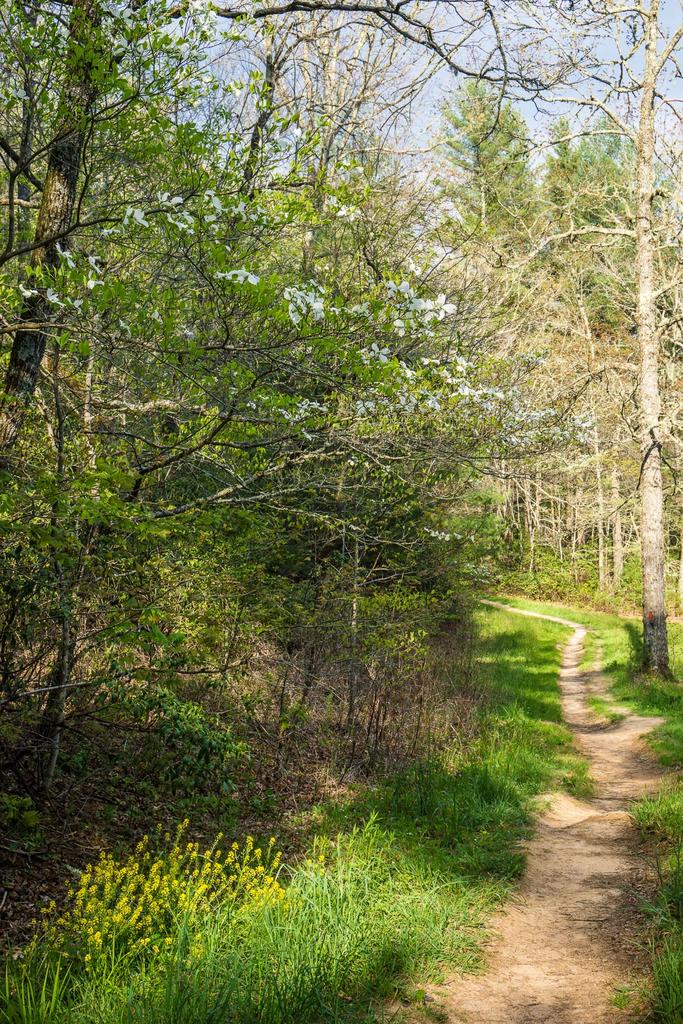
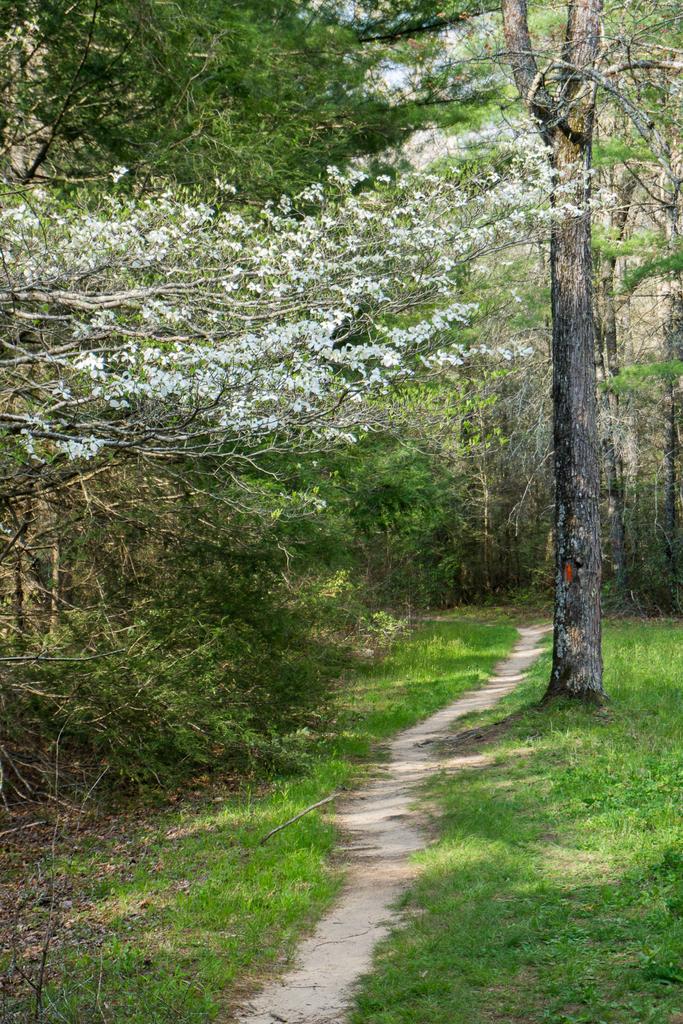
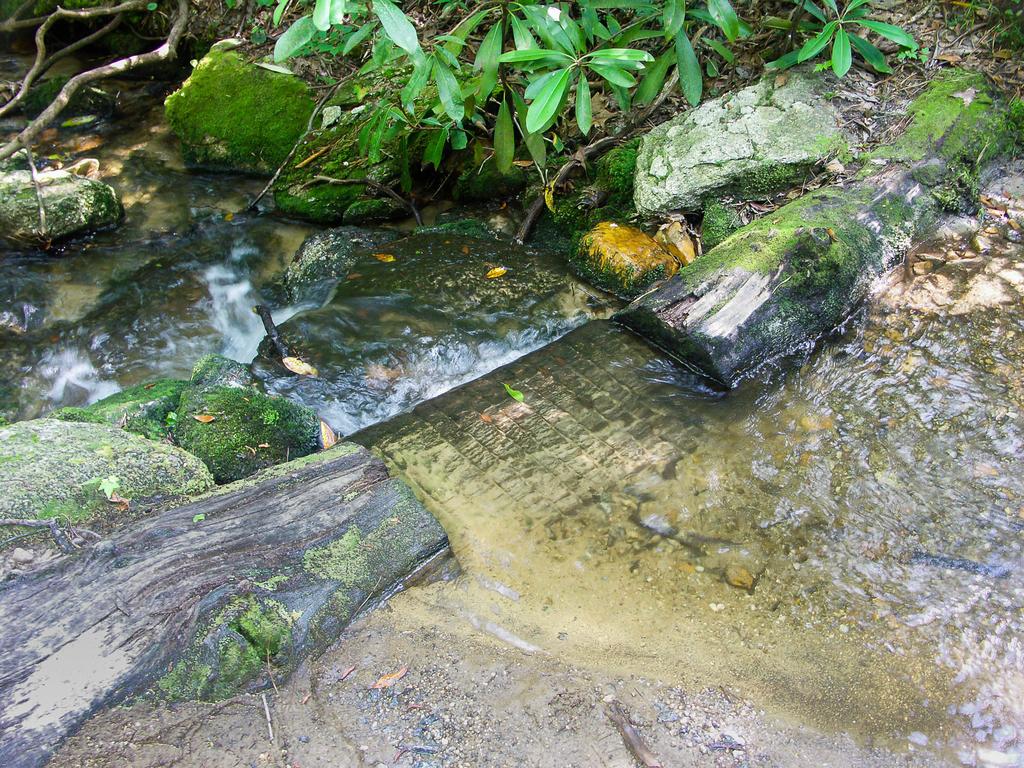
GPS Map
Map Information
Download GPS Data
Click on a route, trail, or point on the map and select the GPS Data tab to download its data.
Data Formats
KML (Google Earth)
KML is the main file type used by Google Earth. If you have Google Earth installed, clicking the KML link should open the trail or point directly in Google Earth for viewing. This is the native file format used by Google Earth, but many other map applications can use and understand KML as well, so if you're not sure which one to download, KML is a good bet.
GPX
The GPX format stands for GPS Exchange - a free, open, XML format for exchanging GPS and map data. GPX is compatible with Google Earth, many other mapping programs, and most GPS devices (such as Garmin). Load the file directly into your GPS to help find your way on your next trip!
GeoJSON
GeoJSON is a newer, lightweight data exchange format which can be used to quickly share map data and may have a smaller size than KML or GPX. Many professional mapping and GIS applications support the GeoJSON format.
About the Map
Copyright
Base Layers
Base layers provided by OpenStreetMap, the US Geological Survey, the US Forest Service, and NC OneMap. Base layer images are subject to the respective copyright policies of their owners. Base layers may not be available at all times due to system maintenance or outages.
WNCOutdoors Base Layer
The WNCOutdoors Base layer is provided by WNCOutdoors.info. It is licensed by Creative Commons Attribution 3.0.
Trail and Marker Overlays
Trail layers and downloadable data are all original works created by WNCOutdoors with guidance from a variety of sources, including ensembles of our own GPS tracks, user contributed GPS tracks, official maps and GIS data from government agencies, and field observations. WNCOutdoors data is made freely available under the Open Database License - you are free to copy and use it for any purpose under the terms of that license (summary).
Tips
- Hover over a trail to see it highlighted. Helps to see start and end points for an individual trail.
- Scroll and zoom the map before printing, and that view will persist into the printed image.
- Click a trail for more details and to download it individually.
Trail Segments
Trails are often made up of several connecting paths which may have different characteristics, allowed uses, and seasons. This trail is divided into multiple segments as follows:
Split to Barnett Branch Tr.
- Allowed Uses: Hiking
- Length: 1.44 mi
Barnett Branch Tr. Upper Intersection to S. Mills River Extension
- Allowed Uses: Hiking
- Length: 1.18 mi
S. Mills River Extension to Barnett Branch Tr.
- Allowed Uses: Hiking, Mountain Biking
- Length: 1.09 mi
Barnett Branch Tr. to Split
- Allowed Uses: Hiking, Mountain Biking
- Length: 1.32 mi
Loop to S. Mills River Parking Area
- Allowed Uses: Hiking, Mountain Biking
- Length: 0.8 mi
Parking Area to Split
- Allowed Uses: Hiking, Mountain Biking
- Length: 431 ft
Barnett Branch Tr. Lower Intersection to Barnett Branch Tr. Upper Intersection
- Allowed Uses: Hiking
- Length: 34 ft
Total Calculated Length: 5.92 mi
This value is derived from our underlying map data, and it may not match officially published information.
Feedback
Ratings
Average Rating: 4.5 (rated 2 times)
Rate It Now:

Michelle said: What a lovely trail. It is about 5 miles and relatively flat, with only a few minor elevation. If you wanted to add mileage you could hop on the Barnett Branch Trail towards Yellow Gap Road to see the waterfall #1. We couldn't find waterfall #2 while there, perhaps there wasn't enough recent rainfall to make it obvious? Pink Beds Loop Trail at times runs along a creek and you can hear the soothing water running. Great trail if you don't want a strenuous trail to hike.
[Site Admin] Jordan M. said: Linda - yes indeed! We did it again in June. I've updated the description - thanks!
Linda said: The 'board walks' were completed in February 2013 and beautifully done I might add. This was my first trip to Pink Beds. Beautiful well marked trails, tons of Mountain Laurel and Rhody's. This place must b stunning in Spring! I'll be back for sure.
James Ivers said: Nice hike, a little muddy on the day we went, after a day of rain. Nice look at some beaver handiwork, both dams and tree work. We saw the word "loop" and were surprised how long it took to get all the way around and back, in fact thought we were lost for a bit, but only because we hadn't researched the distance ahead of time. Seemed longer than 5 miles. Very nice mix of fauna.
Jenny said: This was a beautiful trail however- when I went this August the entrance point to the loop on the left hand side was opened but the entrance point on the right hand side of the loop said closed for construction. I assumed it wouldnt be an issue- and the first 4 miles of the trail was beautiful...however please note the construction signs are not a joke and the last mile of the trip was filled with a swamp and a half built bridge consisting of two by fours that were not nailed together. Needless to say by the end of the trip I was covered in mud and stinging nettle. Deffinitely do not go unless the bridge through the swamp is finished being constructed