
Shut-In Trail

At A Glance


16.3 mi one-way
Difficulty Rating: 16.3 
Steepness: Hilly
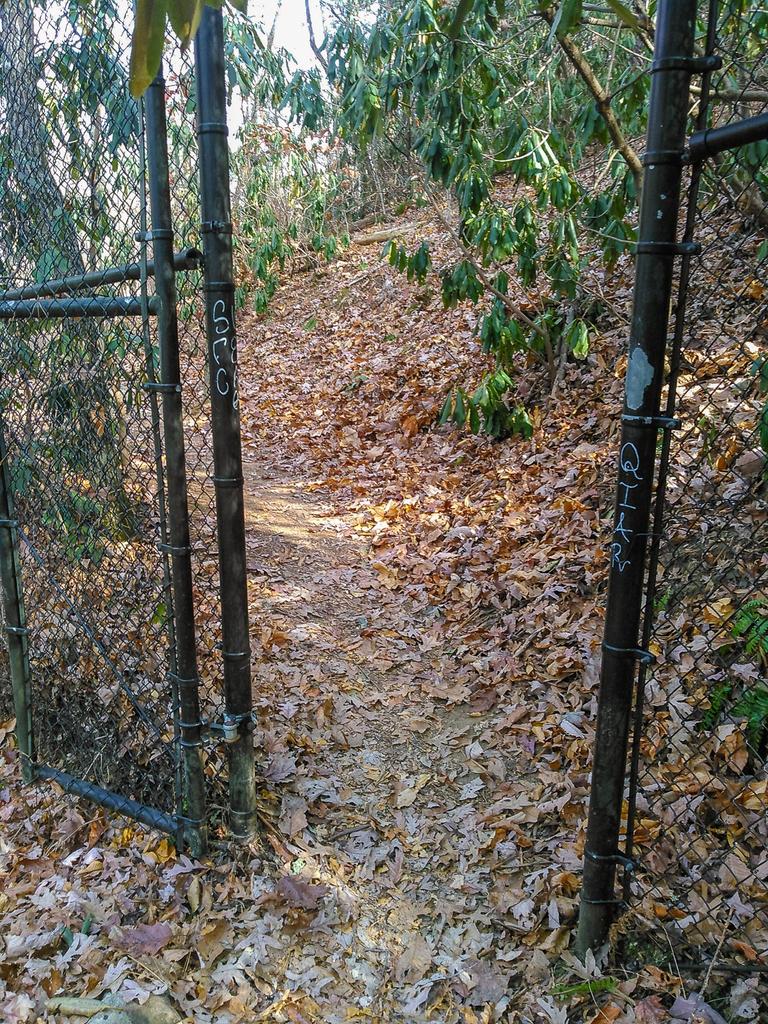
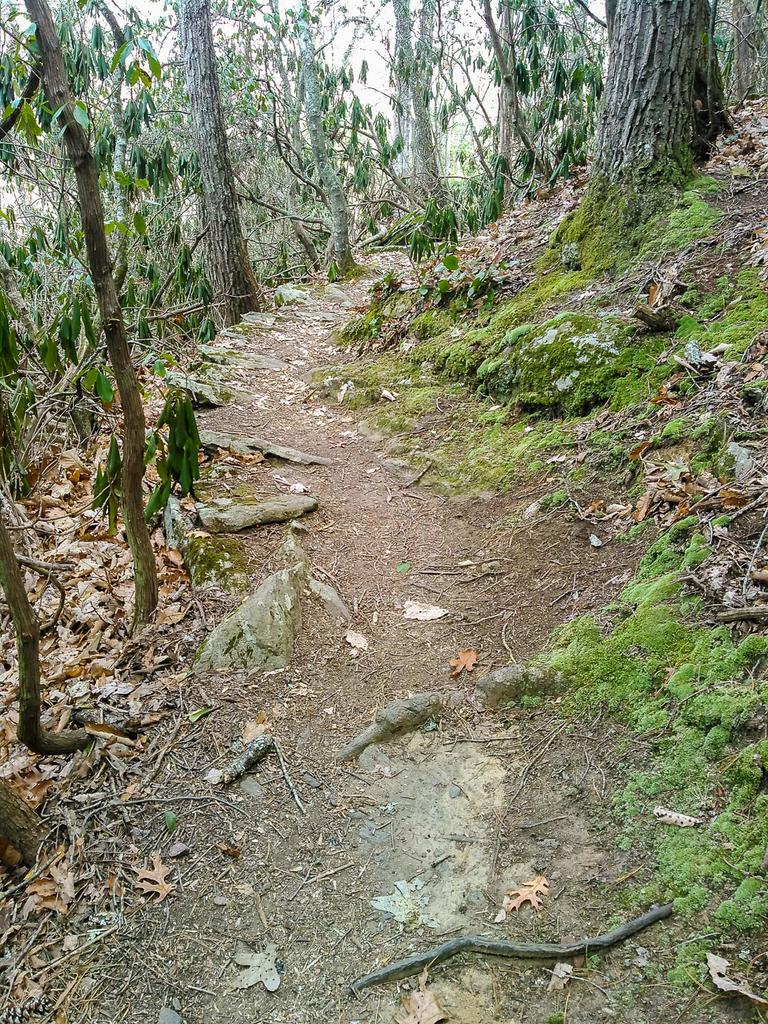
Tread Condition: Moderately Rough
Blaze Color: White
Trail Number: 345
Description
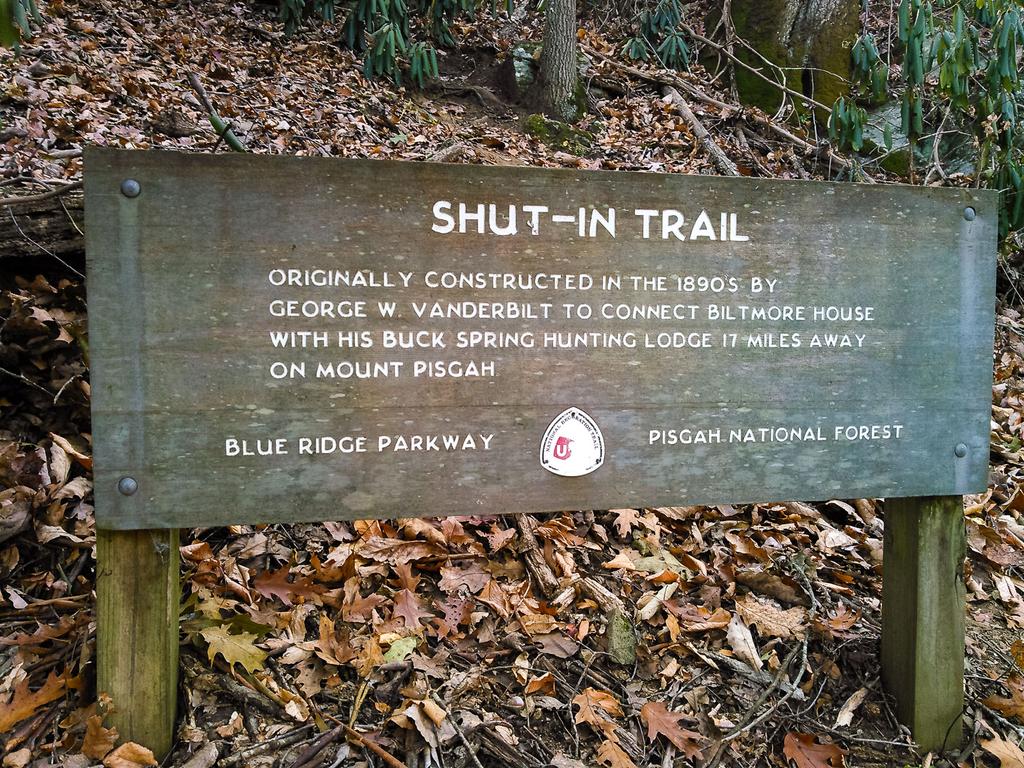
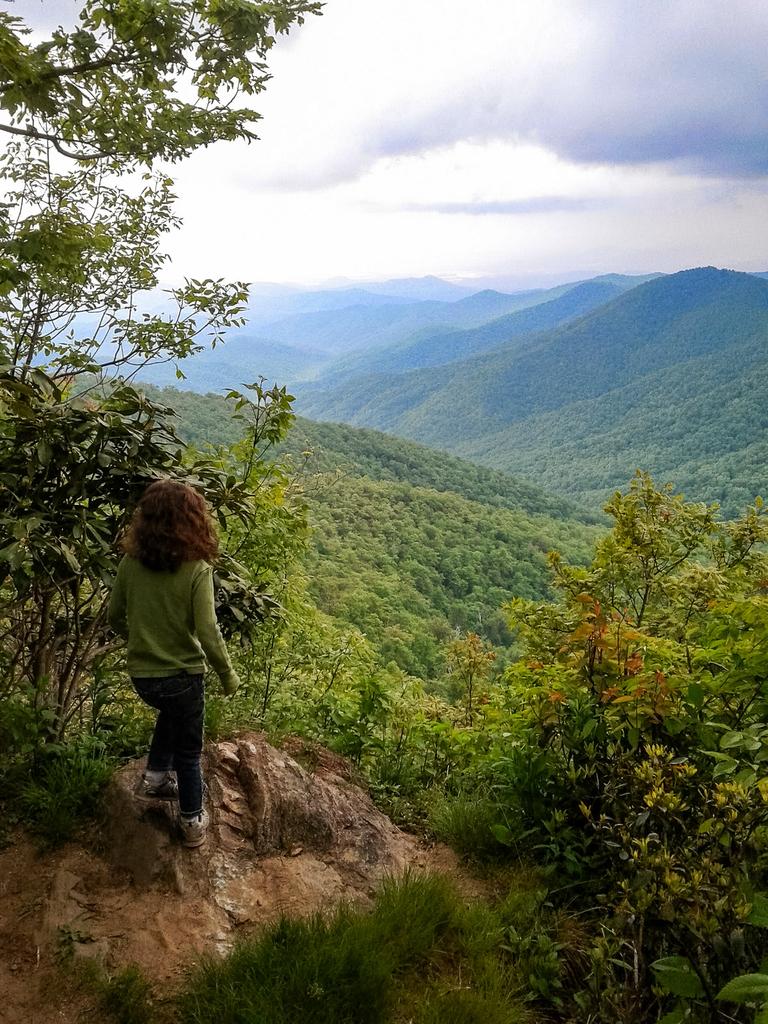
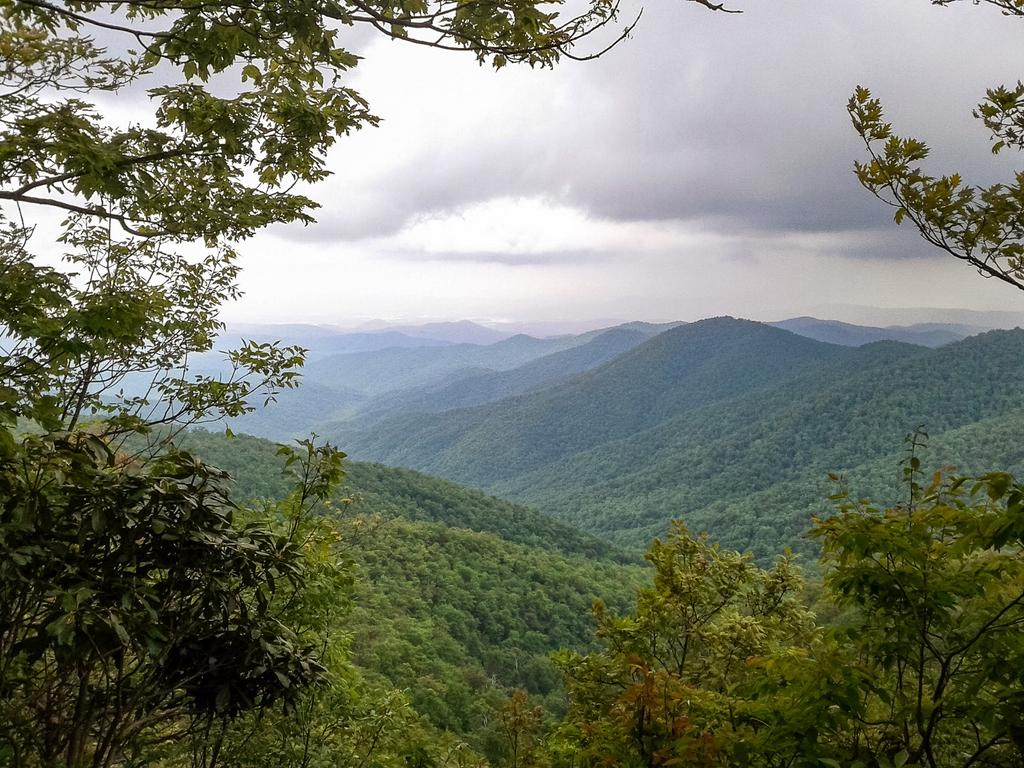
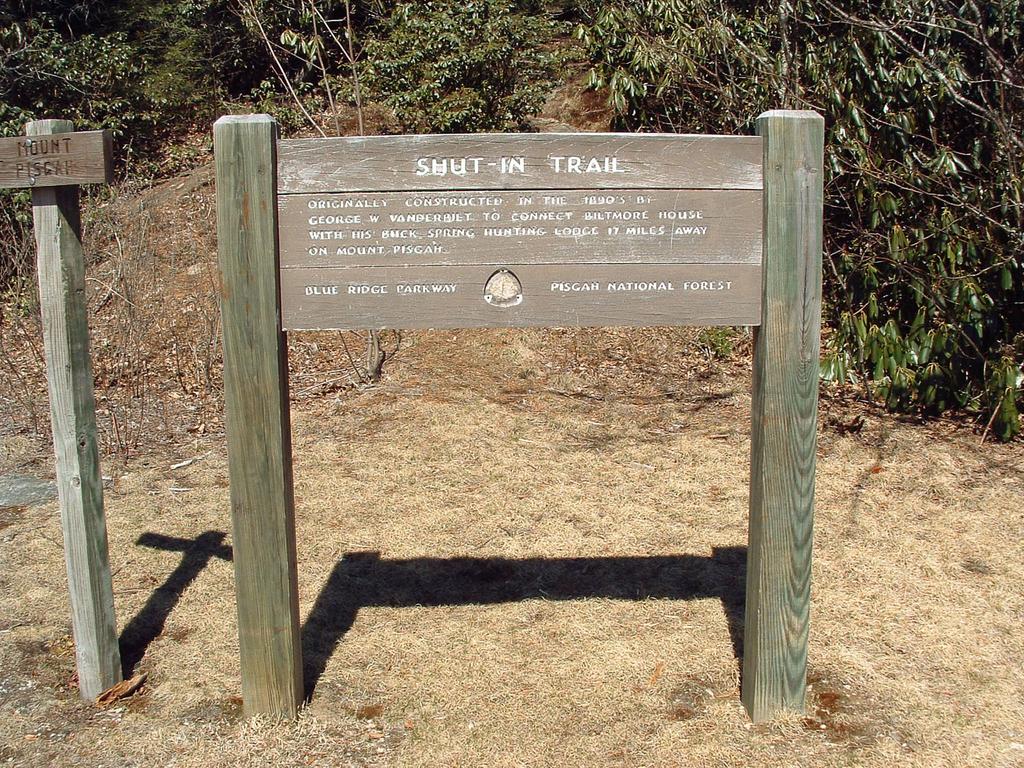
The Shut-In Trail is a long, historic route which shares the path with the Mountains to Sea Trail. It travels from NC 191 near Bent Creek and Asheville to the Mount Pisgah parking area. George W. Vanderbilt, builder of the famous Biltmore Estate near Asheville, constructed the Shut-In Trail around the year 1890. He used it to climb the Pisgah Ridge, linking his hunting lodge at Buck Springs below the summit of Mt. Pisgah to his famous Estate. Although parts were obliterated with the construction of the Parkway, parts of this trail still follow the original route. Hikers today will find many access points where the trail touches and crosses the Blue Ridge Parkway, mainly at overlooks. This leads to many opportunities for short day hikes on the trail, which are mainly necessary since overnight stays are not allowed along the Parkway (and 16.3 miles is a bit long for most day hikers).
Intersecting Trails
This trail is located in the Bent Creek area. For a list of all the trails in that area, see the Bent Creek trails list page.
This trail also crosses into these trailhead areas:
All Photos from the Trail

GPS Map
Map Information
Download GPS Data
Click on a route, trail, or point on the map and select the GPS Data tab to download its data.
Data Formats
KML (Google Earth)
KML is the main file type used by Google Earth. If you have Google Earth installed, clicking the KML link should open the trail or point directly in Google Earth for viewing. This is the native file format used by Google Earth, but many other map applications can use and understand KML as well, so if you're not sure which one to download, KML is a good bet.
GPX
The GPX format stands for GPS Exchange - a free, open, XML format for exchanging GPS and map data. GPX is compatible with Google Earth, many other mapping programs, and most GPS devices (such as Garmin). Load the file directly into your GPS to help find your way on your next trip!
GeoJSON
GeoJSON is a newer, lightweight data exchange format which can be used to quickly share map data and may have a smaller size than KML or GPX. Many professional mapping and GIS applications support the GeoJSON format.
About the Map
Copyright
Base Layers
Base layers provided by OpenStreetMap, the US Geological Survey, the US Forest Service, and NC OneMap. Base layer images are subject to the respective copyright policies of their owners. Base layers may not be available at all times due to system maintenance or outages.
WNCOutdoors Base Layer
The WNCOutdoors Base layer is provided by WNCOutdoors.info. It is licensed by Creative Commons Attribution 3.0.
Trail and Marker Overlays
Trail layers and downloadable data are all original works created by WNCOutdoors with guidance from a variety of sources, including ensembles of our own GPS tracks, user contributed GPS tracks, official maps and GIS data from government agencies, and field observations. WNCOutdoors data is made freely available under the Open Database License - you are free to copy and use it for any purpose under the terms of that license (summary).
Tips
- Hover over a trail to see it highlighted. Helps to see start and end points for an individual trail.
- Scroll and zoom the map before printing, and that view will persist into the printed image.
- Click a trail for more details and to download it individually.
Trail Segments
Trails are often made up of several connecting paths which may have different characteristics, allowed uses, and seasons. This trail is divided into multiple segments as follows:
Shut-In Trail (Bent Creek Portion)
- Allowed Uses: Hiking
- Length: 20 ft
Mountains to Sea Trail - Shut-In - Bent Creek Gap to Chestnut Cove Overlook
- Allowed Uses: Hiking
- Length: 2.65 mi
Mountains to Sea Trail - Shut-In - Chestnut Cove Overlook to Sleepy Gap
- Allowed Uses: Hiking
- Length: 0.79 mi
Mountains to Sea Trail - Shut-In - Sleepy Gap to NC 197
- Allowed Uses: Hiking
- Length: 5.02 mi
Mountains to Sea Trail - Shut-In - NC 151 to Big Ridge Overlook/Glady Fork Gap
- Allowed Uses: Hiking
- Length: 2.23 mi
Mountains to Sea Trail - Shut-In - Big Ridge Overlook/Glady Fork Gap to Stony Bald Overlook
- Allowed Uses: Hiking
- Length: 1.13 mi
Mountains to Sea Trail - Shut-In - Mt. Pisgah Parking to NC 151
- Allowed Uses: Hiking
- Length: 1.75 mi
Mountains to Sea Trail - Shut-In - Beaver Dam Gap Overlook to Bent Creek Gap
- Allowed Uses: Hiking
- Length: 1.86 mi
Mountains to Sea Trail - Shut-In - Stony Bald Overlook to Beaver Dam Gap Overlook
- Allowed Uses: Hiking
- Length: 0.85 mi
Total Calculated Length: 16.29 mi
This value is derived from our underlying map data, and it may not match officially published information.
Feedback
Ratings
Average Rating: 2.0 (rated 283 times)
Rate It Now:

No comments yet.