
Haywood Gap Trail

At A Glance


5.8 mi one-way
Difficulty Rating: 5.8 
Steepness: Climbs Steeply
Tread Condition: Very Rough
Blaze Color: None
Trail Number: 142
Description
Starting at FR 97, Haywood Gap Trail climbs alongside the Middle Prong of the West Fork of the Pigeon River all the way up to the Mountains to Sea Trail about 75 yards from where it crosses the Blue Ridge Parkway at Haywood Gap. Parts of the trail follows old logging road or railroad beds; parts are purpose-built path.
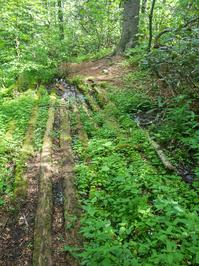
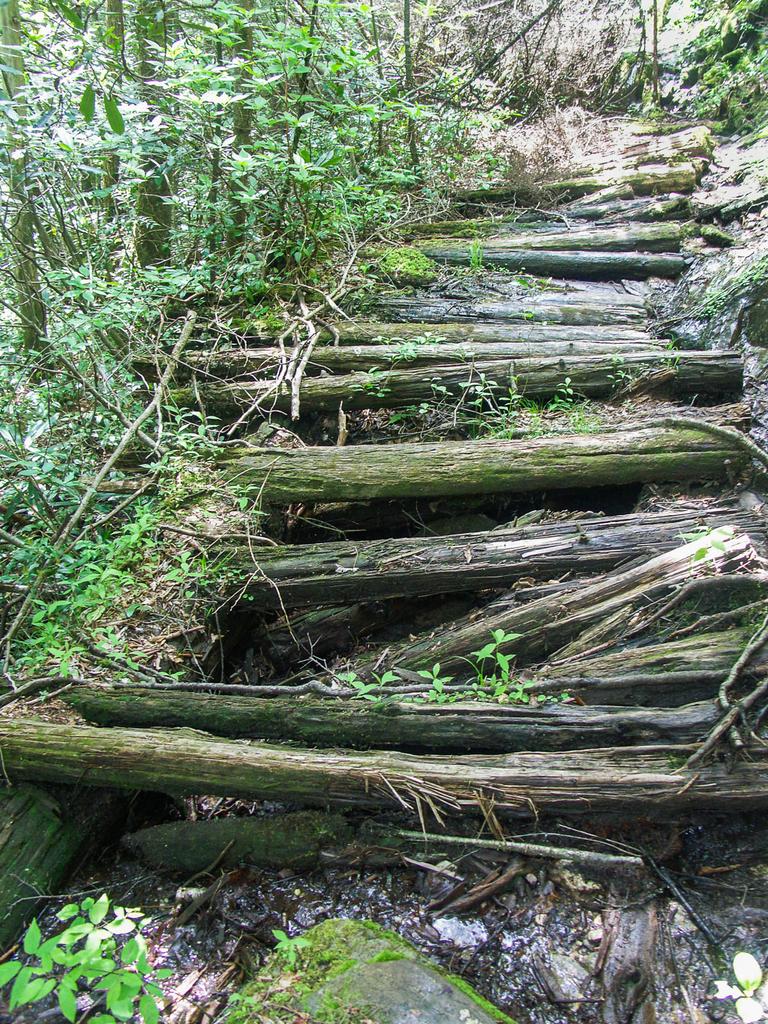
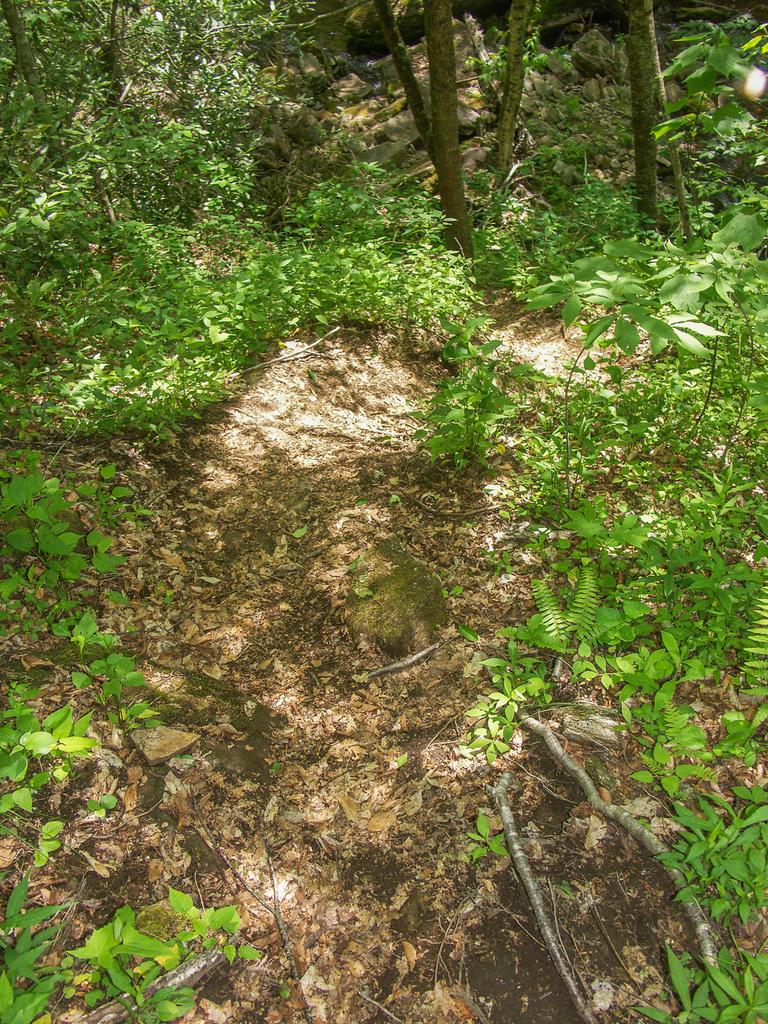
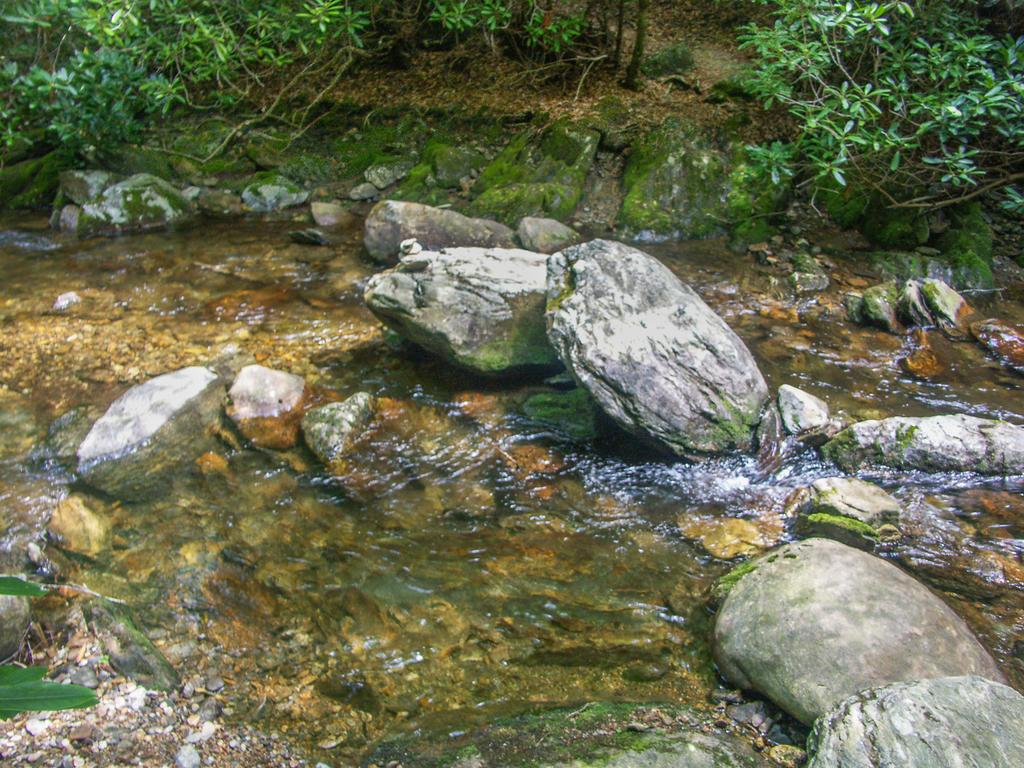
The upper end of the trail is steep in places, with several tricky areas to negotiate. Although most of the tread is in great condition, a few places are definitely not, warranting the Very Rough rating. A crossing of Haywood Gap Stream may be impossible in high water, or at least a wade (at most times it should be an easy rock-hop, however). There are relics from the logging era, including rusting steel cables and some old puncheon bridge sections that have almost completely collapsed but are still quite visible. The trail travels from a cove hardwood forest, to a high-elevation hardwood forest and a few Red Spruces & Fraser Firs gradually mix in as you go up.
Intersecting Trails
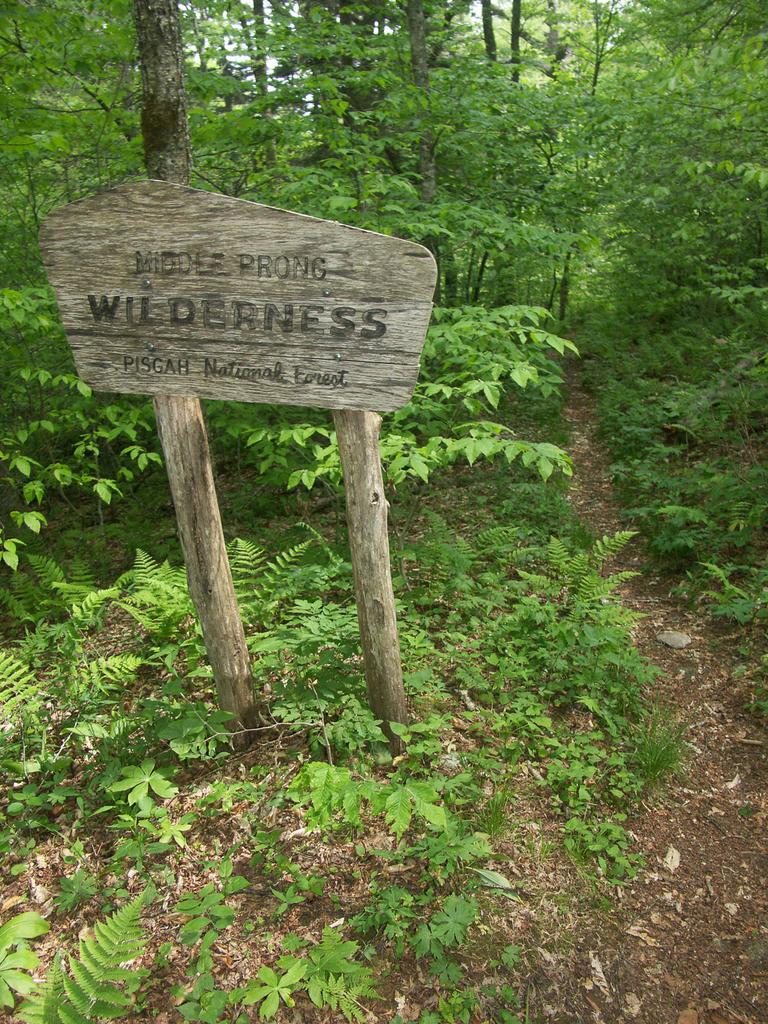
This trail is located in the Middle Prong Wilderness area. For a list of all the trails in that area, see the Middle Prong Wilderness trails list page.
This trail also crosses into these trailhead areas:
All Photos from the Trail

GPS Map
Map Information
Download GPS Data
Click on a route, trail, or point on the map and select the GPS Data tab to download its data.
Data Formats
KML (Google Earth)
KML is the main file type used by Google Earth. If you have Google Earth installed, clicking the KML link should open the trail or point directly in Google Earth for viewing. This is the native file format used by Google Earth, but many other map applications can use and understand KML as well, so if you're not sure which one to download, KML is a good bet.
GPX
The GPX format stands for GPS Exchange - a free, open, XML format for exchanging GPS and map data. GPX is compatible with Google Earth, many other mapping programs, and most GPS devices (such as Garmin). Load the file directly into your GPS to help find your way on your next trip!
GeoJSON
GeoJSON is a newer, lightweight data exchange format which can be used to quickly share map data and may have a smaller size than KML or GPX. Many professional mapping and GIS applications support the GeoJSON format.
About the Map
Copyright
Base Layers
Base layers provided by OpenStreetMap, the US Geological Survey, the US Forest Service, and NC OneMap. Base layer images are subject to the respective copyright policies of their owners. Base layers may not be available at all times due to system maintenance or outages.
WNCOutdoors Base Layer
The WNCOutdoors Base layer is provided by WNCOutdoors.info. It is licensed by Creative Commons Attribution 3.0.
Trail and Marker Overlays
Trail layers and downloadable data are all original works created by WNCOutdoors with guidance from a variety of sources, including ensembles of our own GPS tracks, user contributed GPS tracks, official maps and GIS data from government agencies, and field observations. WNCOutdoors data is made freely available under the Open Database License - you are free to copy and use it for any purpose under the terms of that license (summary).
Tips
- Hover over a trail to see it highlighted. Helps to see start and end points for an individual trail.
- Scroll and zoom the map before printing, and that view will persist into the printed image.
- Click a trail for more details and to download it individually.
Feedback
Ratings
Average Rating: 4.7 (rated 3 times)
Rate It Now:

Bruce said: Hiked from Blue Ridge Parkway. It's truly a beautiful trail to walk on with the sound of rushing water in background, Unfortunately couldn't cross Haywood Gap stream (shown above in the picture), water level was high, only 4 of rocks were above water, couldn't convience myself to rock hobbing and didn't want to get my boots wet, so I turned around. Planning to go back next week, more prepared.
Barbara said: Hiked the upper part a few weeks ago, the lower part just this morning. Next plan is two cars and straight down top to bottom. This stretch of wilderness looks like a scene from a magical forest dream; breathtakingly beautiful. Hiking poles helped lots with the terrain.
Rachael Eley said: Haywood Gap trail begins just SW of the Sunburst Camping area off 215. We did not hike that section so I cannot include any comments. We began Haywood Gap at the intersection with Buckeye Gap. The walking is pretty gradual uphill at this point. Crossings in April were a rock hop with one exception. There are several large camping areas along the trail, but they have pretty steep descents to get to. After that first creek crossing, the trail becomes very narrow and can be muddy and slippery. It travels steadily upward with some pretty steep pitches. One area along this route has about an 11 foot drop that will require some root holding and sliding on your heinie along rocks. It is a gorgeous trail and is worth the strenuous hike as past the Buckeye Gap intersection, the hiking is not very long in distance, but is steep and difficult.