
Harper Creek Trail

At A Glance


6.0 mi one-way
Difficulty Rating: 6 
Steepness: Hilly
Tread Condition: Very Rough
Blaze Color: Orange
Trail Number: 260
Hikes That Use This Trail: Harper Creek Falls
Description
Although this trail is listed as "easy" in some publications, that's not really the case. It might be considered moderate if you only hike to the falls and back, but the whole trail is much longer than that. And the multiple creek crossings, sparse blazes, and route through wilderness study area makes the hike along this trail in its entirety take its toll.
Starting from the parking area on Brown Mountain Beach Road, the trail winds up some poorly-constructed switchbacks onto an eroded old road bed. The trail then merges with a less-eroded old road at the top of the climb, in a gap. There is an intersection with the Yellow Buck trail; continue straight, downhill. The trail is relatively easy going forward, except for a few places where erosion has made it a steep drop-off into the creek. The trail passes through a campsite as it approaches creek level, and then angles right, uphill.
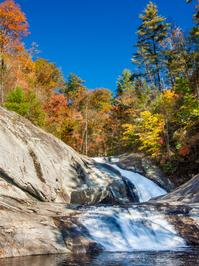
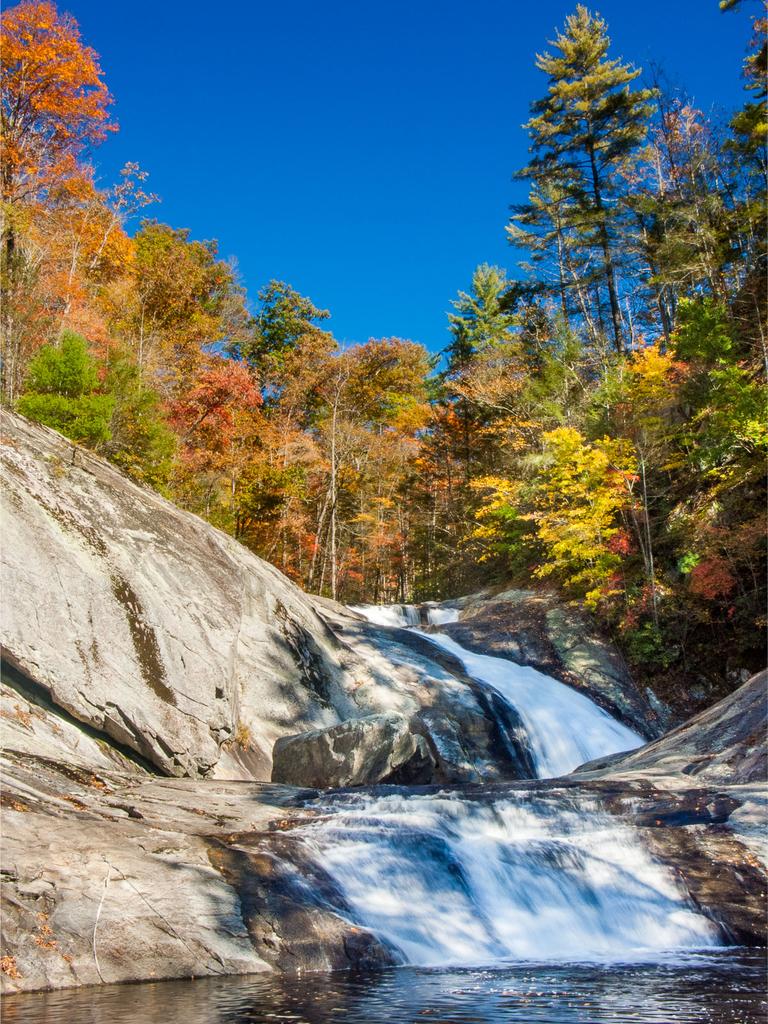
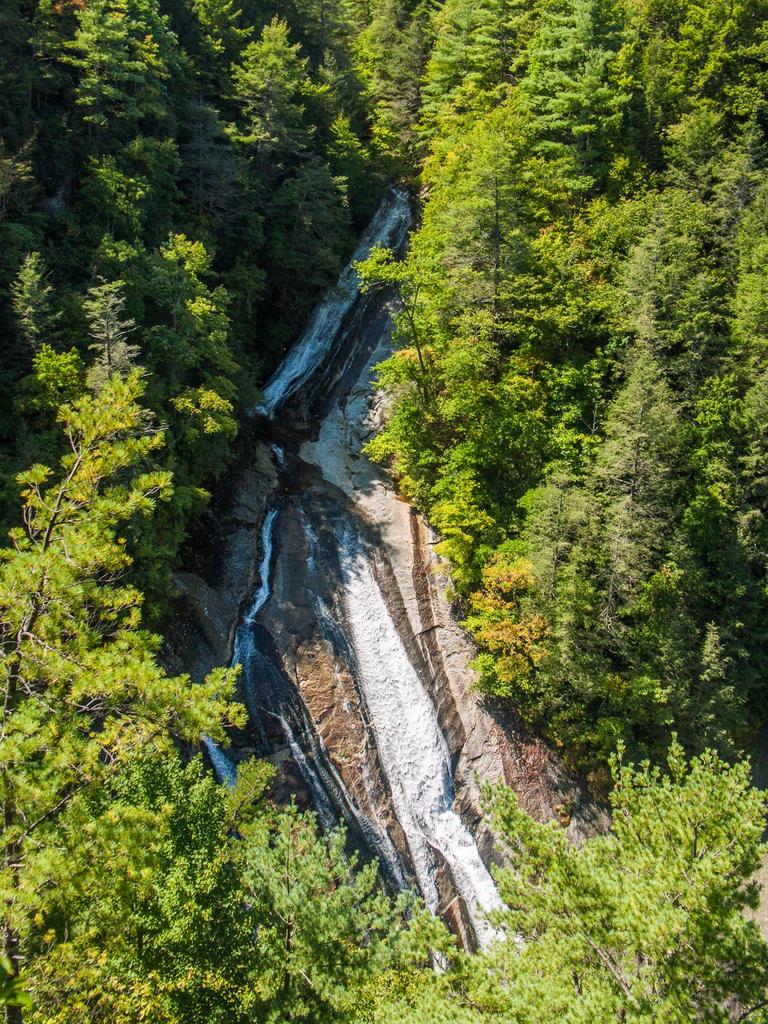
From here, the path is co-signed as the Mountains to Sea Trail. Again, it follows an old roadbed with some washouts leading all the way down to the creek - these can be tricky to navigate. The trail veers uphill to the right again as it nears Harper Creek Falls. (Continue straight on the old road bed to reach the falls, requiring a steep rope-assist scramble to get to the base). After climbing past the falls, the trail follows the creek upstream on the right side to the intersection with the North Harper Creek Trail. The Mountains to Sea Trail leaves along that path.
The Harper Creek trail crosses the creek, and then proceeds to do so several more times as it goes up toward South Harper Creek Falls. This section of trail is remote and it can be difficult to follow at times, especially at creek crossings. As it approaches the base of the falls, it heads uphill on some switchbacks. There is an intersection with a side path connecting to the Raider Camp trail. The Harper Creek trail then climbs up past the settlement of Kawana before ending on Kawana Road.
Intersecting Trails
This trail is located in the Wilson Creek Area area. For a list of all the trails in that area, see the Wilson Creek Area trails list page.
All Photos from the Trail

GPS Map
Map Information
Download GPS Data
Click on a route, trail, or point on the map and select the GPS Data tab to download its data.
Data Formats
KML (Google Earth)
KML is the main file type used by Google Earth. If you have Google Earth installed, clicking the KML link should open the trail or point directly in Google Earth for viewing. This is the native file format used by Google Earth, but many other map applications can use and understand KML as well, so if you're not sure which one to download, KML is a good bet.
GPX
The GPX format stands for GPS Exchange - a free, open, XML format for exchanging GPS and map data. GPX is compatible with Google Earth, many other mapping programs, and most GPS devices (such as Garmin). Load the file directly into your GPS to help find your way on your next trip!
GeoJSON
GeoJSON is a newer, lightweight data exchange format which can be used to quickly share map data and may have a smaller size than KML or GPX. Many professional mapping and GIS applications support the GeoJSON format.
About the Map
Copyright
Base Layers
Base layers provided by OpenStreetMap, the US Geological Survey, the US Forest Service, and NC OneMap. Base layer images are subject to the respective copyright policies of their owners. Base layers may not be available at all times due to system maintenance or outages.
WNCOutdoors Base Layer
The WNCOutdoors Base layer is provided by WNCOutdoors.info. It is licensed by Creative Commons Attribution 3.0.
Trail and Marker Overlays
Trail layers and downloadable data are all original works created by WNCOutdoors with guidance from a variety of sources, including ensembles of our own GPS tracks, user contributed GPS tracks, official maps and GIS data from government agencies, and field observations. WNCOutdoors data is made freely available under the Open Database License - you are free to copy and use it for any purpose under the terms of that license (summary).
Tips
- Hover over a trail to see it highlighted. Helps to see start and end points for an individual trail.
- Scroll and zoom the map before printing, and that view will persist into the printed image.
- Click a trail for more details and to download it individually.
Trail Segments
Trails are often made up of several connecting paths which may have different characteristics, allowed uses, and seasons. This trail is divided into multiple segments as follows:
Harper Creek - Parking to Yellow Buck
- Allowed Uses: Hiking
- Length: 0.2 mi
Harper Creek - Yellow Buck to Raider Camp
- Allowed Uses: Hiking
- Length: 0.79 mi
Harper Creek - Harper Creek Falls to Harper Ck. Tr.
- Allowed Uses: Hiking
- Length: 1.73 mi
Harper Creek - N. Harper Ck. to Raider Camp Conn.
- Allowed Uses: Hiking
- Length: 1.55 mi
Harper Creek - Raider Camp Conn. to Kawana Rd.
- Allowed Uses: Hiking
- Length: 1.32 mi
Harper Creek - Raider Camp to Harper Creek Falls
- Allowed Uses: Hiking
- Length: 0.35 mi
Total Calculated Length: 5.93 mi
This value is derived from our underlying map data, and it may not match officially published information.
Feedback
Ratings
Average Rating: 2.2 (rated 92 times)
Rate It Now:

Annette said: We only hiked from the trailhead on Brown Mtn. Beach Rd. to the Harper Creek waterfall, which we considered a mix of average to easy difficulty. It's a well-used section of trail & quite busy on a holiday weekend. It apparently was so easy that a number of people noisily hiked back & forth at night on it, so don't expect to get good sleep if you're camping somewhere along the trail. Very nice waterfalls with opportunities for swimming, rock sliding & for the really adventurous cliff jumping into the pool. Mortimer campground is only about 1.5 miles from trailhead.